Your plugin store.
In your language.
Local-first localization for the Codex / ChatGPT desktop plugin directory. No app patching. No TCP debug port.
Real screens. Before and after.
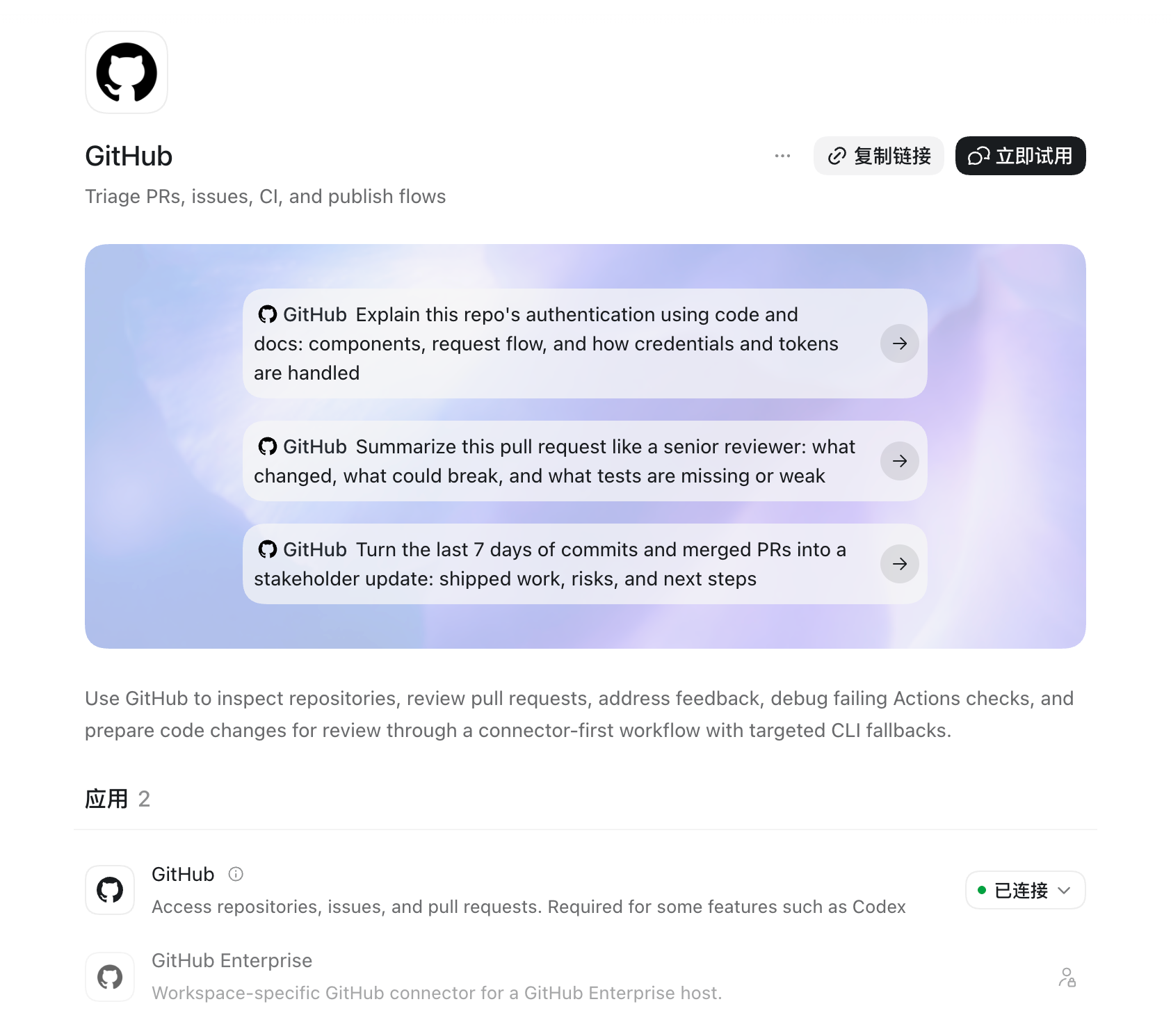
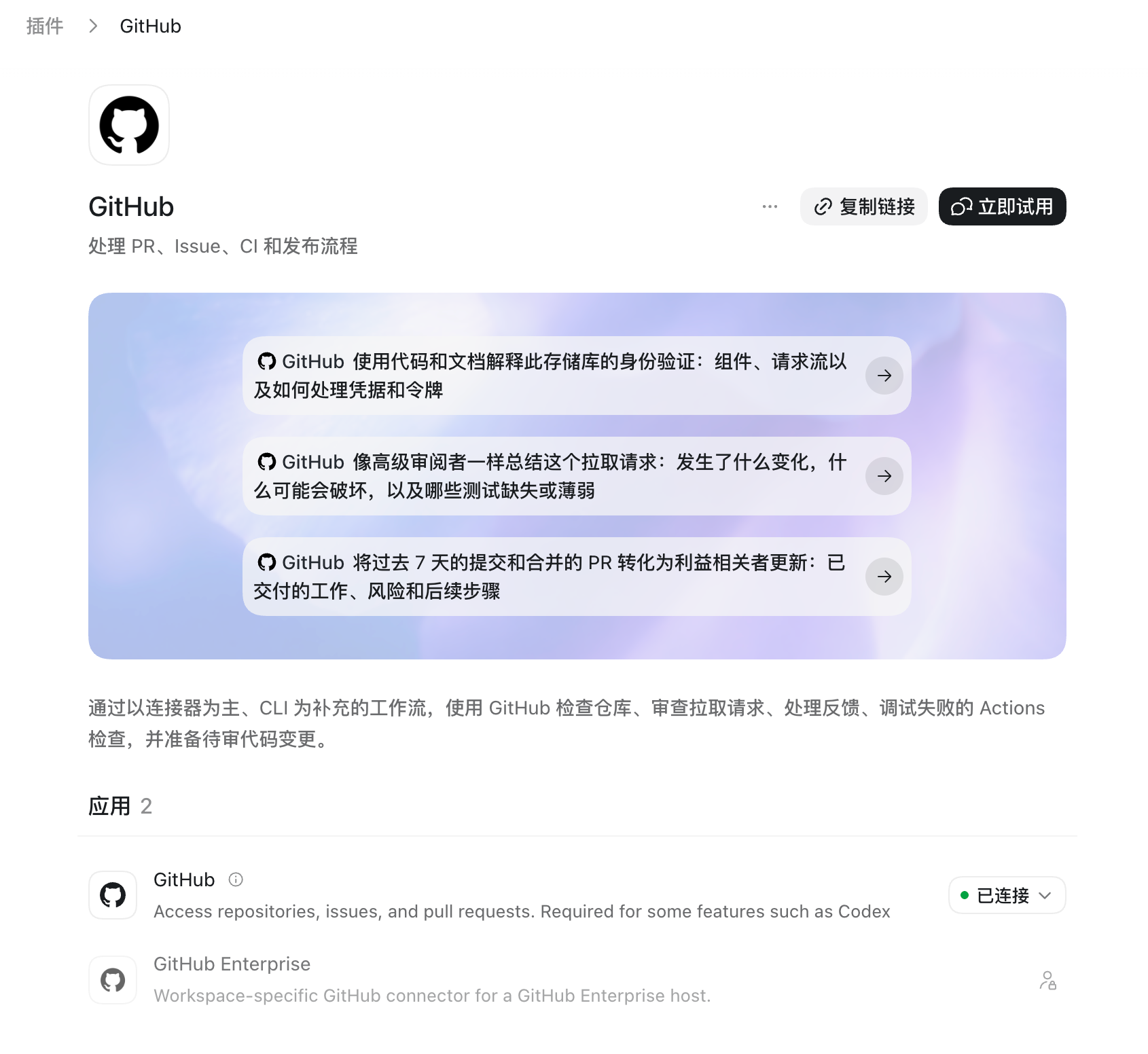
Real screenshots supplied by the user on 2026-09-02, preserved unaltered. Connector descriptions remain English; OS and app build were not supplied. Click a screenshot to view the original.
More catalog screenshots
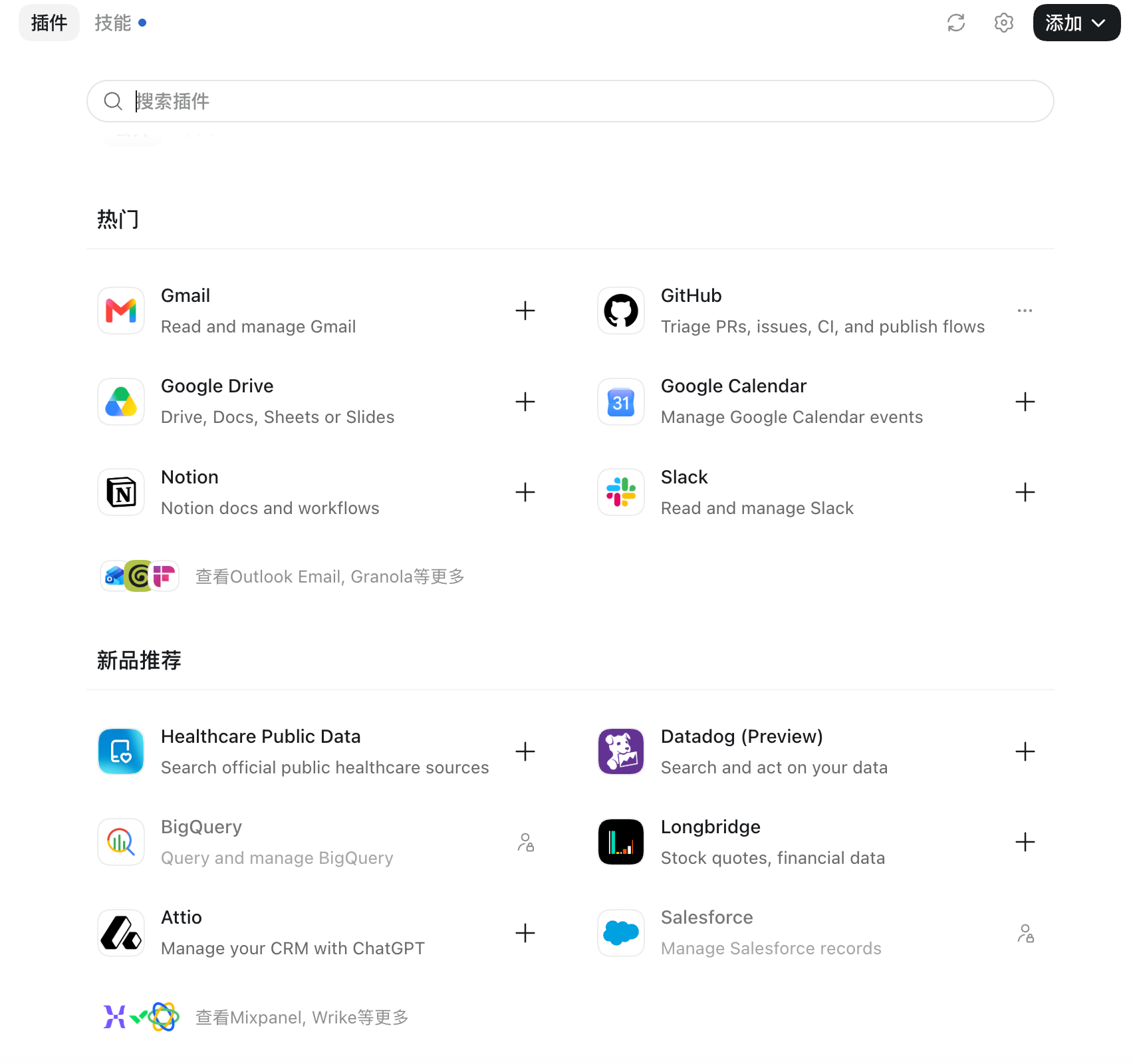
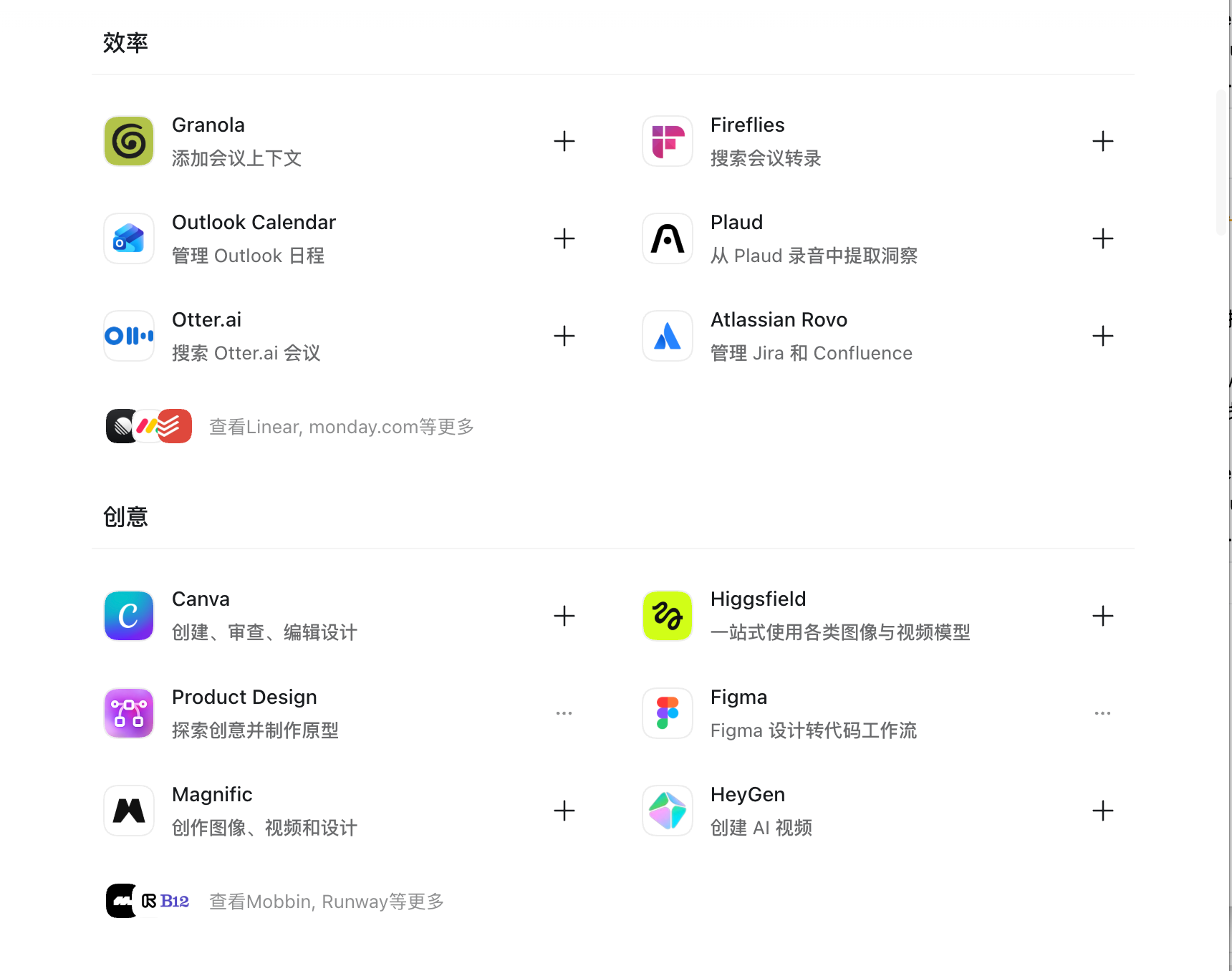
These show different catalog sections, not a matched before/after pair.
Start locally
- 1. Choose your language
python3 scripts/manage.py locale zh-Hans - 2. Install, then relaunch
python3 scripts/manage.py installSave your work and fully quit the desktop app first, then use the installed launcher. On Windows replace python3 with py -3.11.
Download and extract the source ZIP first, then enter its folder. The macOS wrapper requires /usr/bin/python3. Verify status and actual page text; installation alone is not runtime proof.
Know the coverage
Simplified Chinese includes the expanded catalog pack. Other locales cover the store shell and six Popular cards. Windows runtime needs real-device validation.
Read the coverage evidence · Documented: 2026-09-02
Questions before you install?
- Does it modify the official app?
- No. The launcher is separate and stops when integrity checks fail.
- Is this an official OpenAI project?
- No. Independent community project, not affiliated with OpenAI.
Chinese setup, language switching, and Windows troubleshooting